Free image editor — no sign-up
Remove background, resize, compress, crop, convert and more. All in your browser. Your files never leave your device.
Choose a tool
Click any tool to start. No account needed.
Remove the background from any image. Perfect for passport photos, LinkedIn, product shots, and logos.
Use tool →Enlarge images without losing quality. Make low-resolution photos sharper and print-ready.
Learn more →Reduce image file size for faster websites and smaller attachments. Keep quality under control.
Use tool →Change image dimensions in pixels. Fit photos to social media, print, or custom sizes.
Use tool →Convert between JPEG, PNG, WebP, and more. Get the right format for every use case.
Use tool →Blur faces in photos for privacy. Anonymize people in screenshots or group photos.
Learn more →Crop images to the exact area you need. Square, portrait, or custom aspect ratios.
Use tool →Try it: Remove background
Upload a photo and get a transparent PNG. No sign-up—runs in your browser.
Your result appears here
Upload a photo to start
Drag and drop an image or .
JPEG, JPG, PNG or WebP · up to 40MB
By uploading, you agree to our Terms and Privacy Policy.
See the result
Before and after examples. Try with your own photo above.
Before
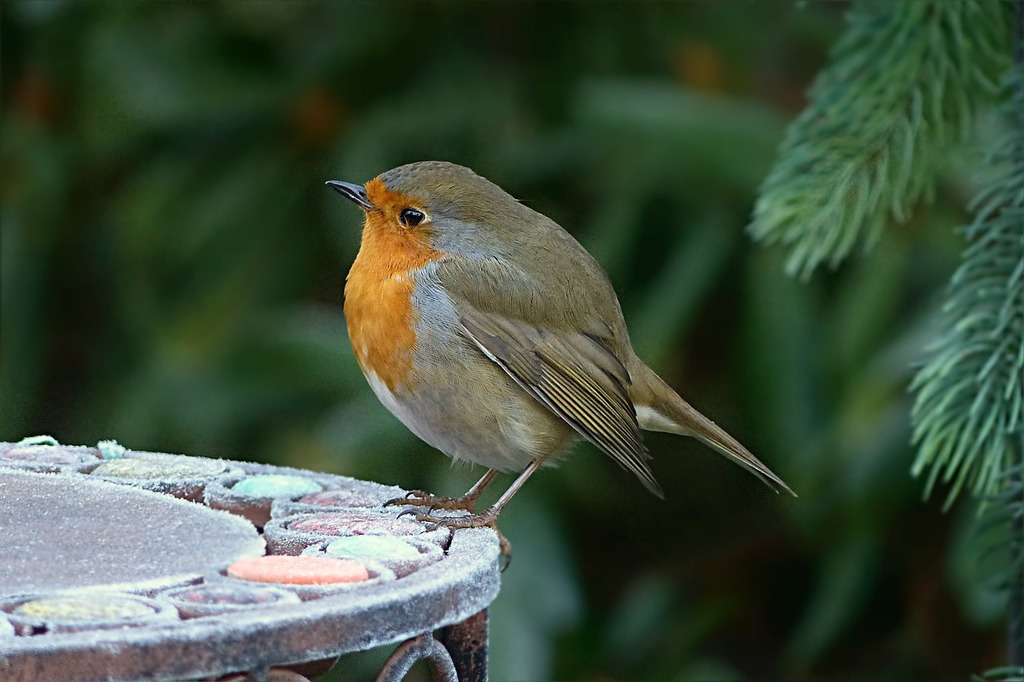
After
.png)
Edit images for any use
Remove background, resize, compress, crop, convert—same quality for every use case.
Remove background for passport photo
Meet official photo requirements in one click.
Remove background for LinkedIn profile
Clean headshots that look professional.
Product photo background remover
White or transparent backgrounds for e‑commerce.
Remove background from logo
Get a transparent PNG for any brand asset.
Remove background anime characters
Clean cutouts for fan art and edits.
Mobile image editor
Works in your phone browser no app needed.